制作Rootfs
观看视频了解更多
启动内核过程中,需要根文件系统,里面包含启动程序及各种Linux基础指令,比如 ls ,cd,这里采用busybox方案
编译busybox 下载1.36版本
1
2
3
4
5
6
7
8
9
export CROSS_COMPILE=arm-none-linux-gnueabihf- #应用编译
export ARCH=arm
make help #查看编译说明
make defconfig # 执行默认配制编译
make menuconfig # 选择静态编译lib
make -j4 # 执行编译
make install # 将生成_install 目录
#将_install 目录下的文件拷到指定目录下
cp -arf ../../busybox-1_36_0/_install/* rootfs将工具链下的lib 拷到rootfs/lib 下
向rootfs目录添加设备节点
1
2
3
4
5
6
7
8
9
10
mkdir rootfs/dev
mkdir rootfs/etc
mkdir rootfs/mnt
mkdir -p rootfs/etc/init.d
sudo mknod -m 666 rootfs/dev/tty1 c 4 1
sudo mknod -m 666 rootfs/dev/tty2 c 4 2
sudo mknod -m 666 rootfs/dev/tty3 c 4 3
sudo mknod -m 666 rootfs/dev/tty4 c 4 4
sudo mknod -m 666 rootfs/dev/console c 5 1
sudo mknod -m 666 rootfs/dev/null c 1 3制作rootfs
1
2
3
4
5
6
dd if=/dev/zero of=rootfs.ext3 bs=128M count=32
mkfs.ext3 rootfs.ext3
mkdir temp
sudo mount -o loop rootfs.ext3 temp
sudo cp -rf roofs/* temp
sudo umount temp
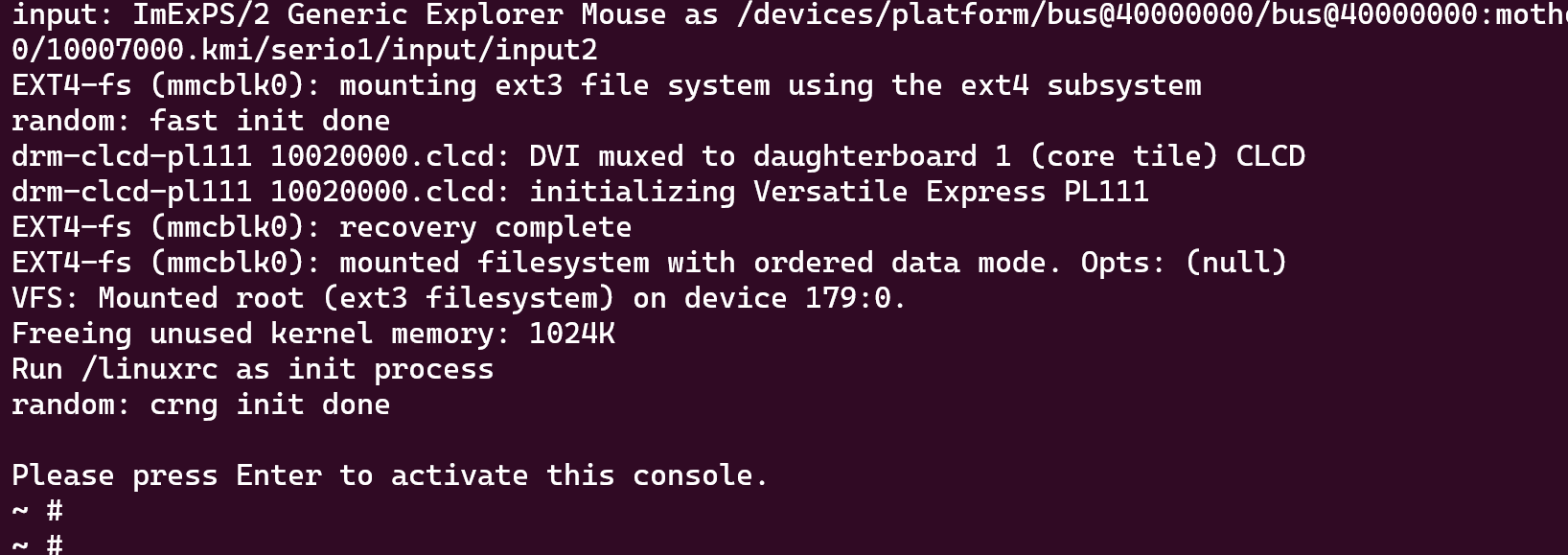
QEMU 运行
rootfs.ext3: 根文件系统
vexpress-v2p-ca9.dtb: 设备树资源文件,arch/arm/boot/dts/vexpress-v2p-ca9.dtb
zImage: Linux 内核镜像,arch/arm/boot/zImage
1 | qemu-system-arm -M vexpress-a9 -m 512M \ |
GDB 调试
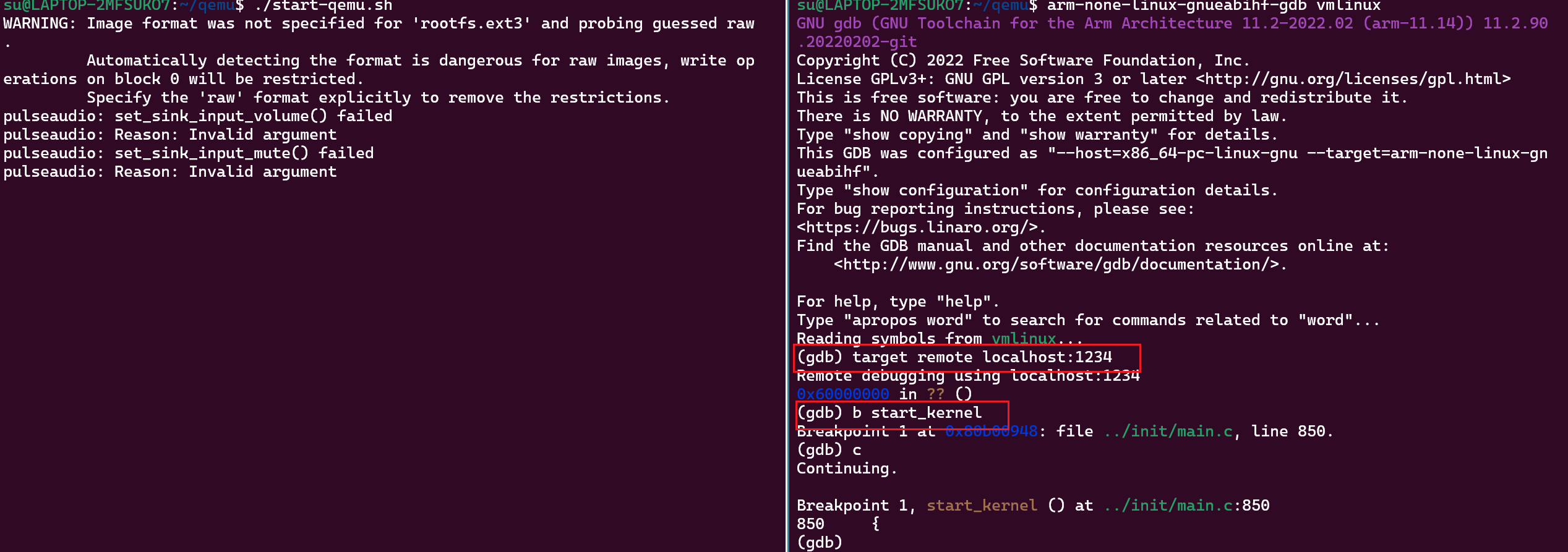
开启两个终端,一个运行qemu,一个运行gdb,断点打在start_kernel 试试单步执行。
1 | qemu-system-arm -M vexpress-a9 -m 512M \ |
1 | #arm-none-linux-gnueabihf-gdb vmlinux |